CSAT Block
Trigger CSAT blocks to gather customer satisfaction reports.
CSAT stands for Customer Satisfaction. The CSAT block is used to collect quantitative user feedback on a scale of 1-5.
You’ll usually use the CSAT block to collect customer satisfaction reports or to rate agents’ performance. But you can also create custom journeys based on positive or negative responses.
Here is a step-by-step instruction on using CSAT blocks and triggering them every time a ticket is resolved.
Create A Sequence with CSAT Block
It is a good practice to trigger a CSAT block after every time a ticket is resolved. To do so —
-
Create a sequence and name it CSAT Sequence.
-
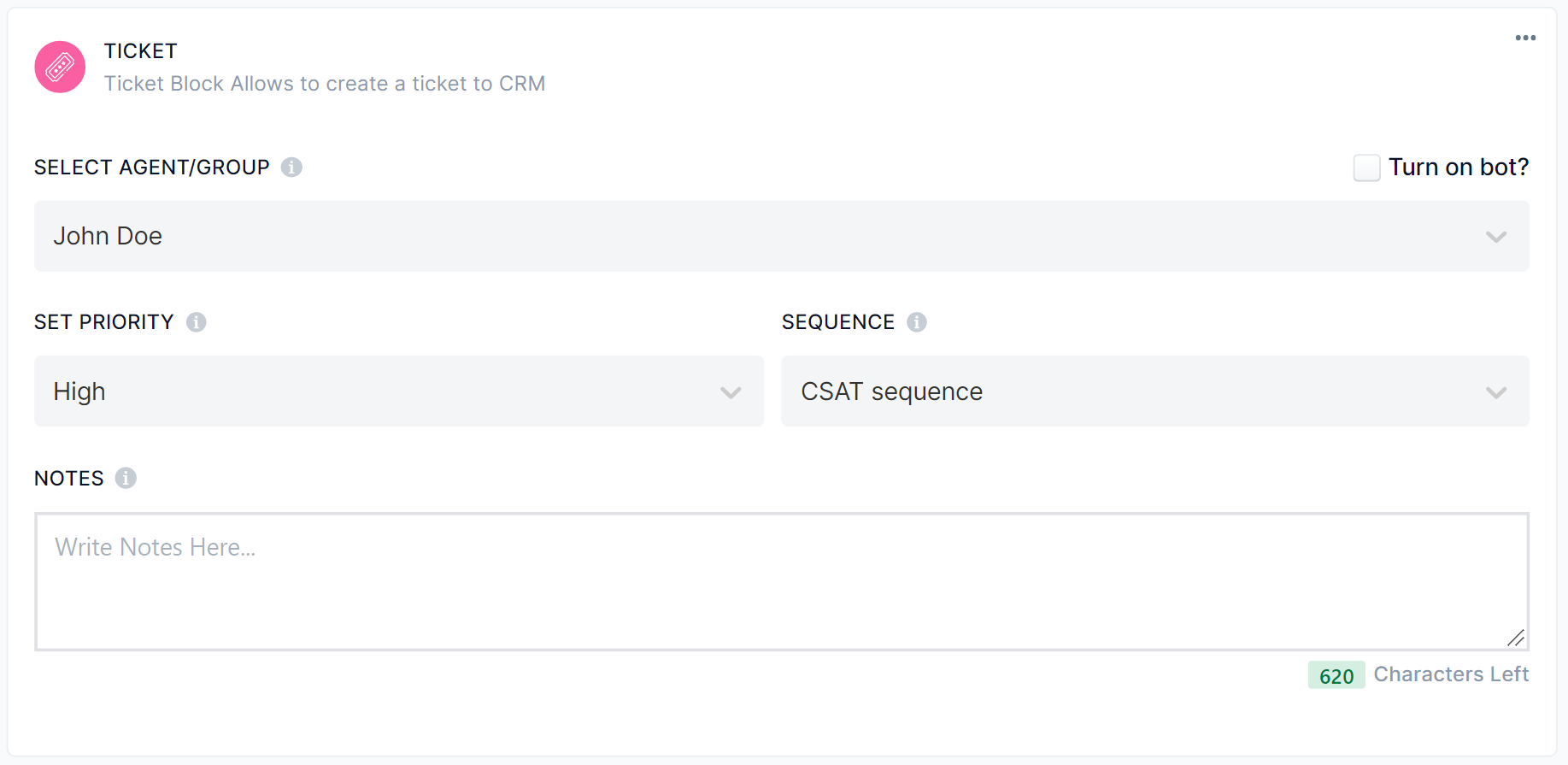
Under your Default sequence, set the CSAT sequence as the next sequence.
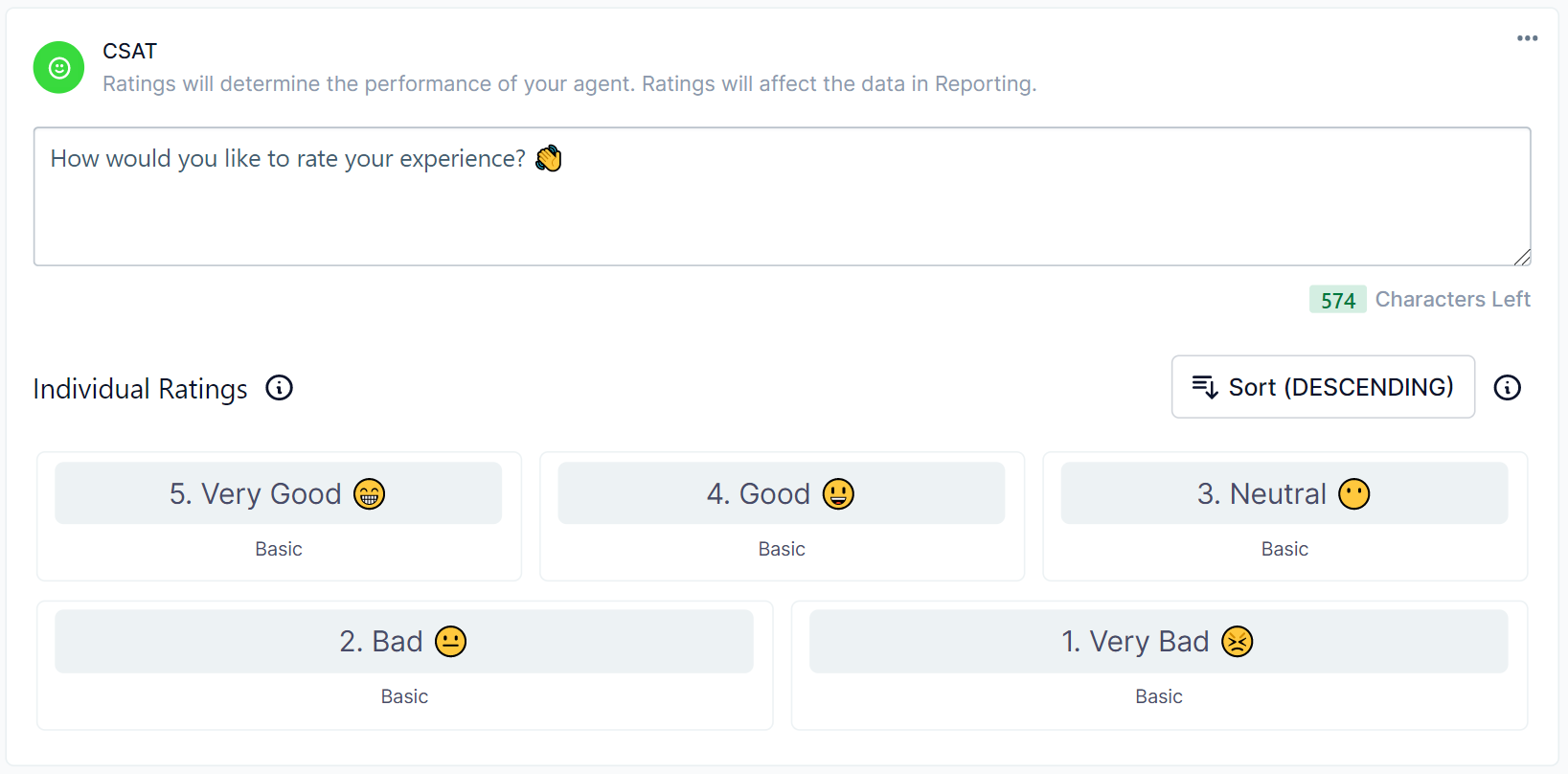
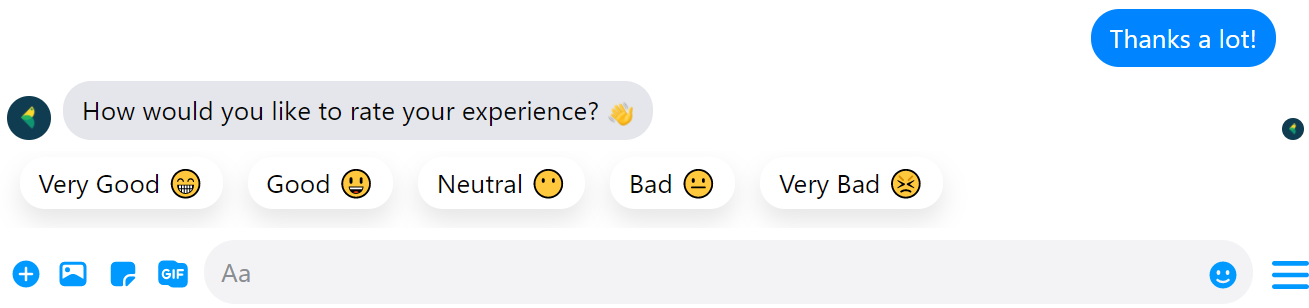
- Next, add a CSAT Block in your CSAT Sequence and rename the buttons as you like.
- Create three more sequences — Positive CSAT , Neutral CSAT and Negative CSAT and insert your message in each sequence accordingly. Here are some basic examples.
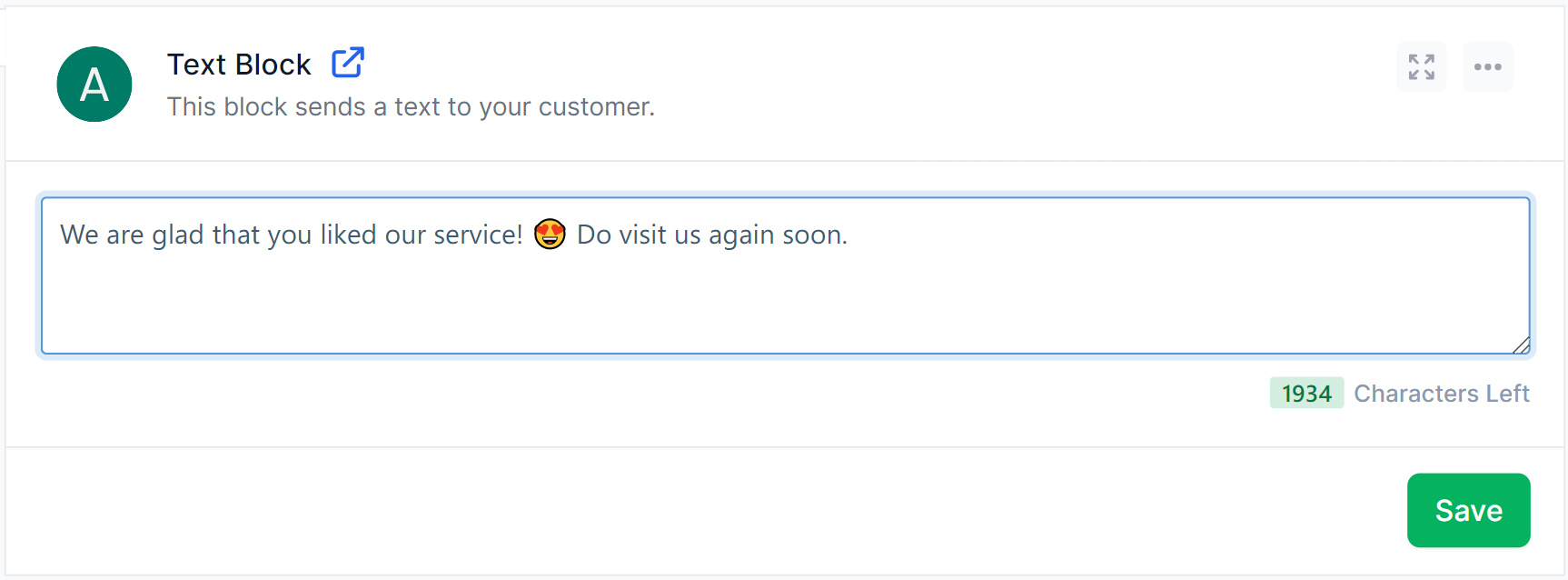
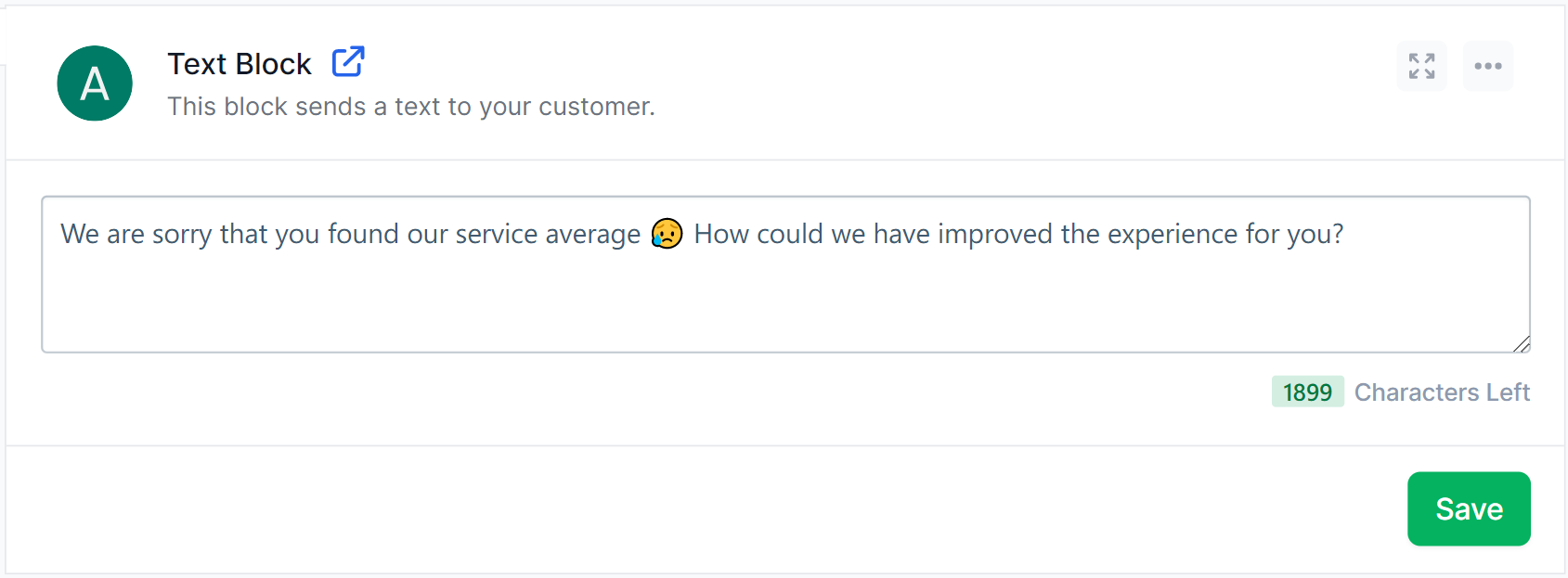
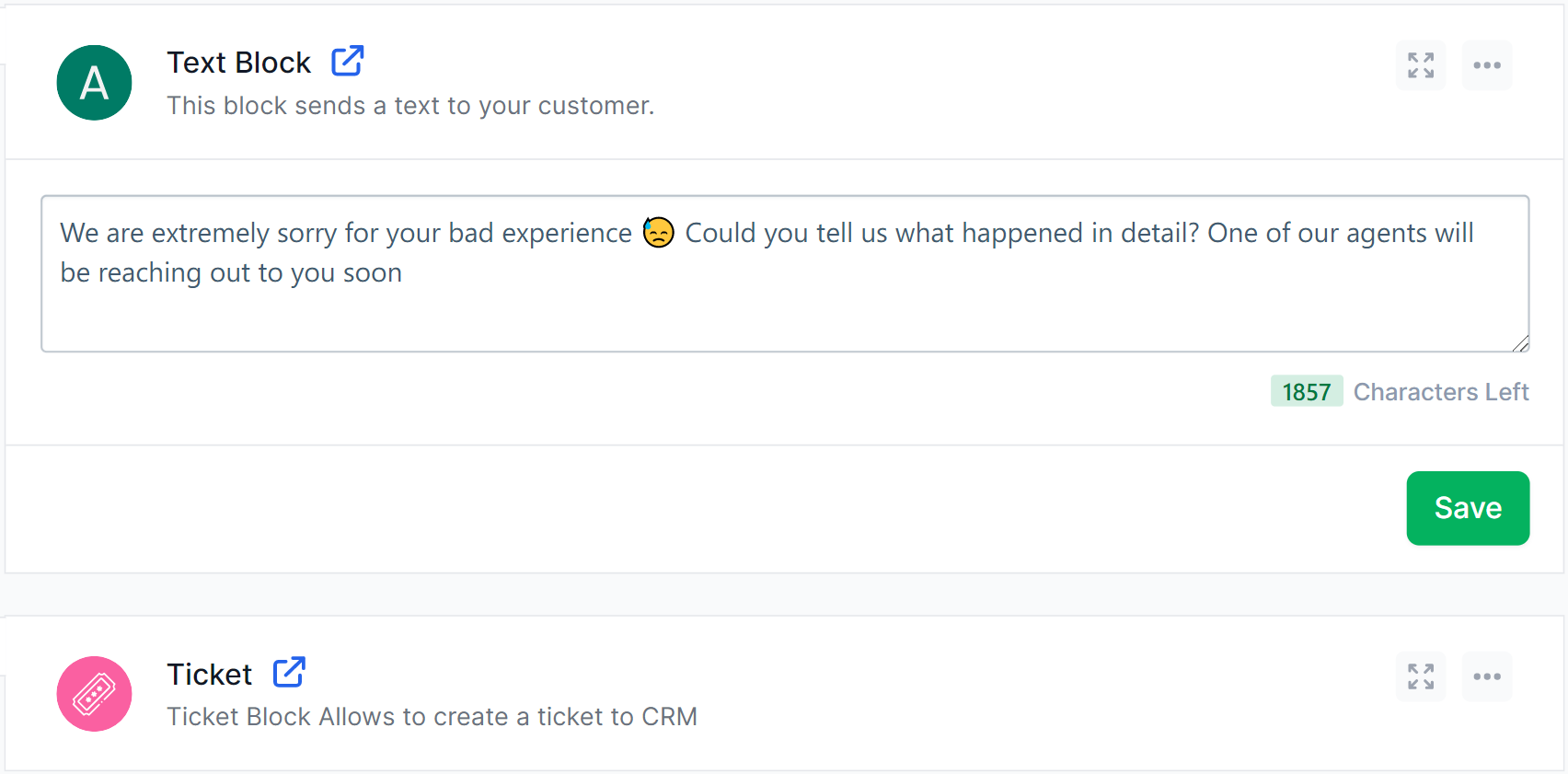
- Now go back to your
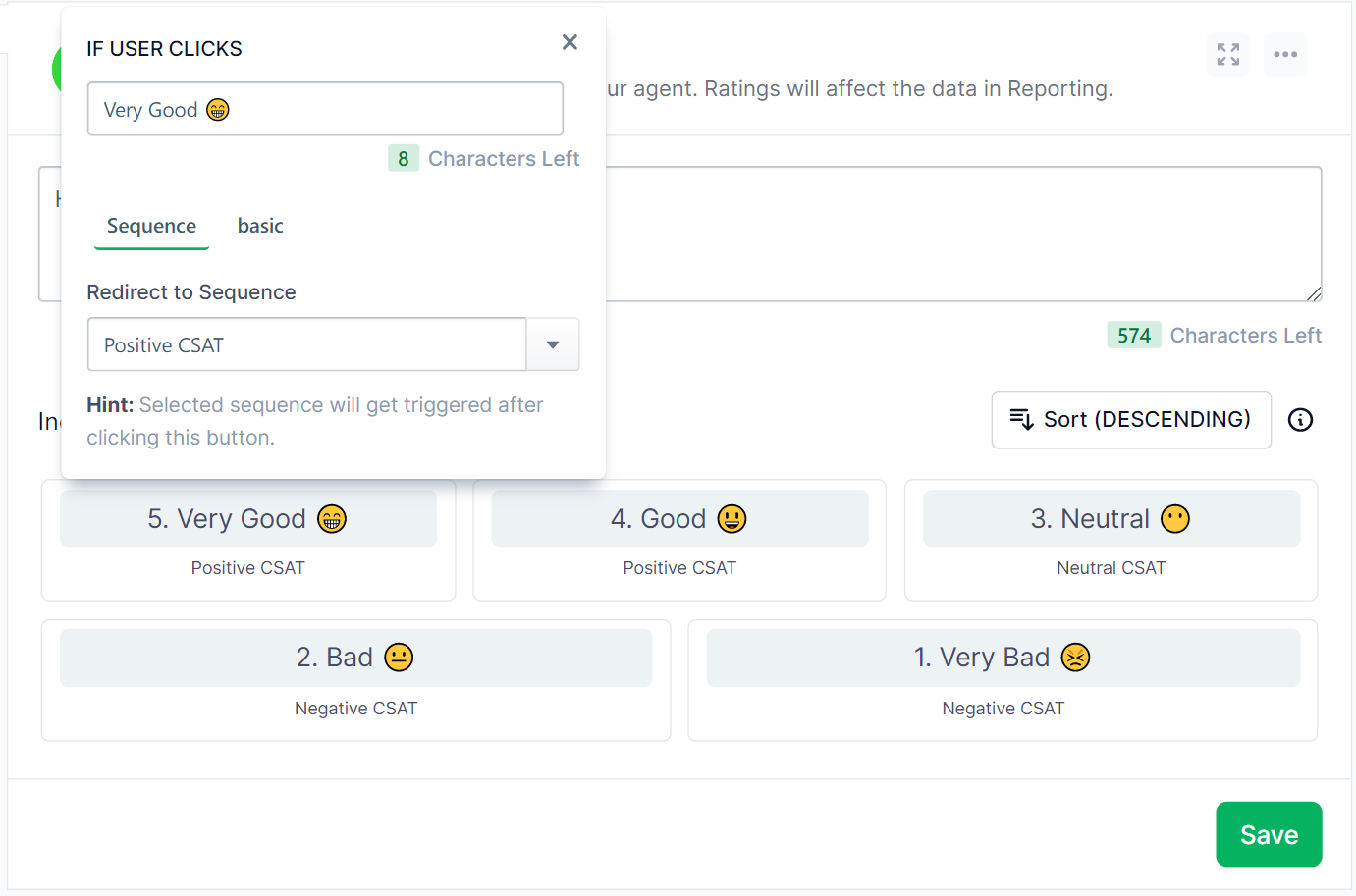
CSAT sequenceand edit the buttons to redirect users to positive or negative sequences accordingly.