


Reopen Tickets
Learn how to reopen a closed ticket and know about channel limitations.
How to Reopen a Ticket
To reopen a ticket —
- At first, click on the filter icon on the top-left corner of your inbox.
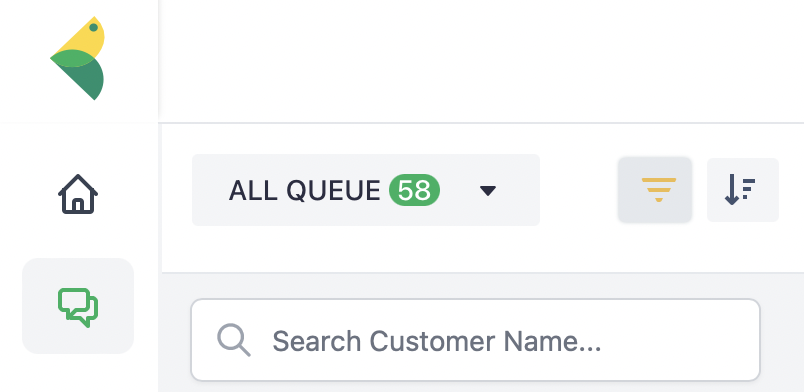
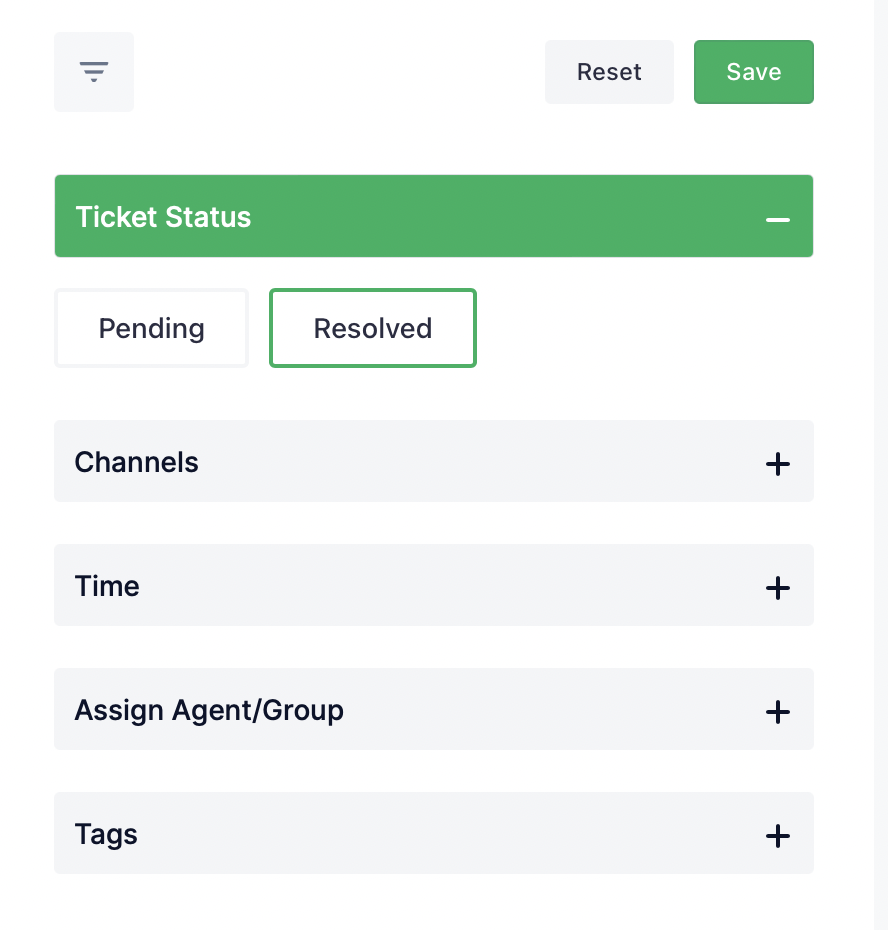
- A window will appear from the right side. Select Resolved under Ticket Status and click Save. This will show only the resolved/closed conversations in your account.
- Select the ticket you want to reopen and click on Reopen on the top-right corner of your inbox.
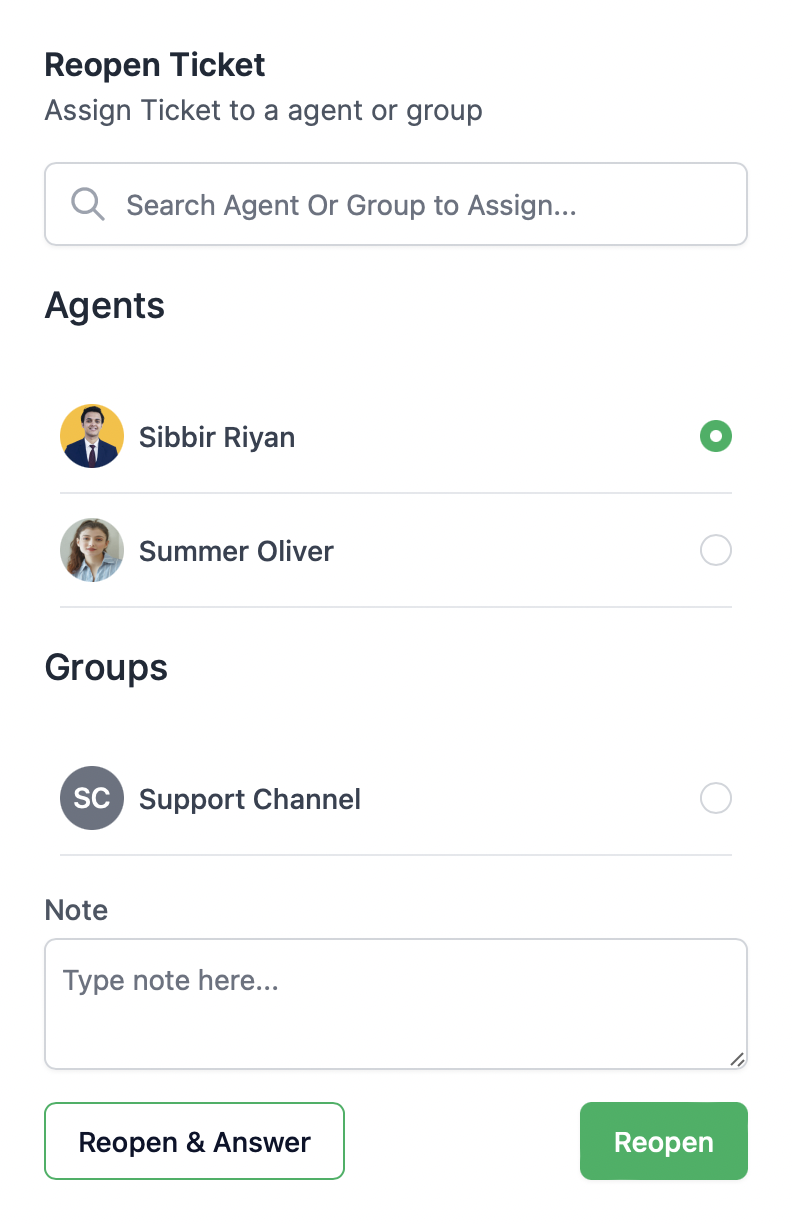
You can either Reopen & Answer immediately or Reopen tickets to add to your queue or assign to others, given that you are an Admin on Revora.
Limitations of Reopening Tickets
You cannot reopen a conversation from some social channels after a specific period. This is an API limitation from the channel itself.
Find the time window for each channel.
| Channel Name | You cannot reopen a ticket after |
|---|---|
| 7 days | |
| 7 days | |
| WhatsApp Business | 24 hours |
| Viber | 24 hours |